Snapshots and rollback
btrfs file system with a Timeshift snapshot at every boot. If a boot fails, GRUB restarts on its own from the last working snapshot. Rollback is always available.
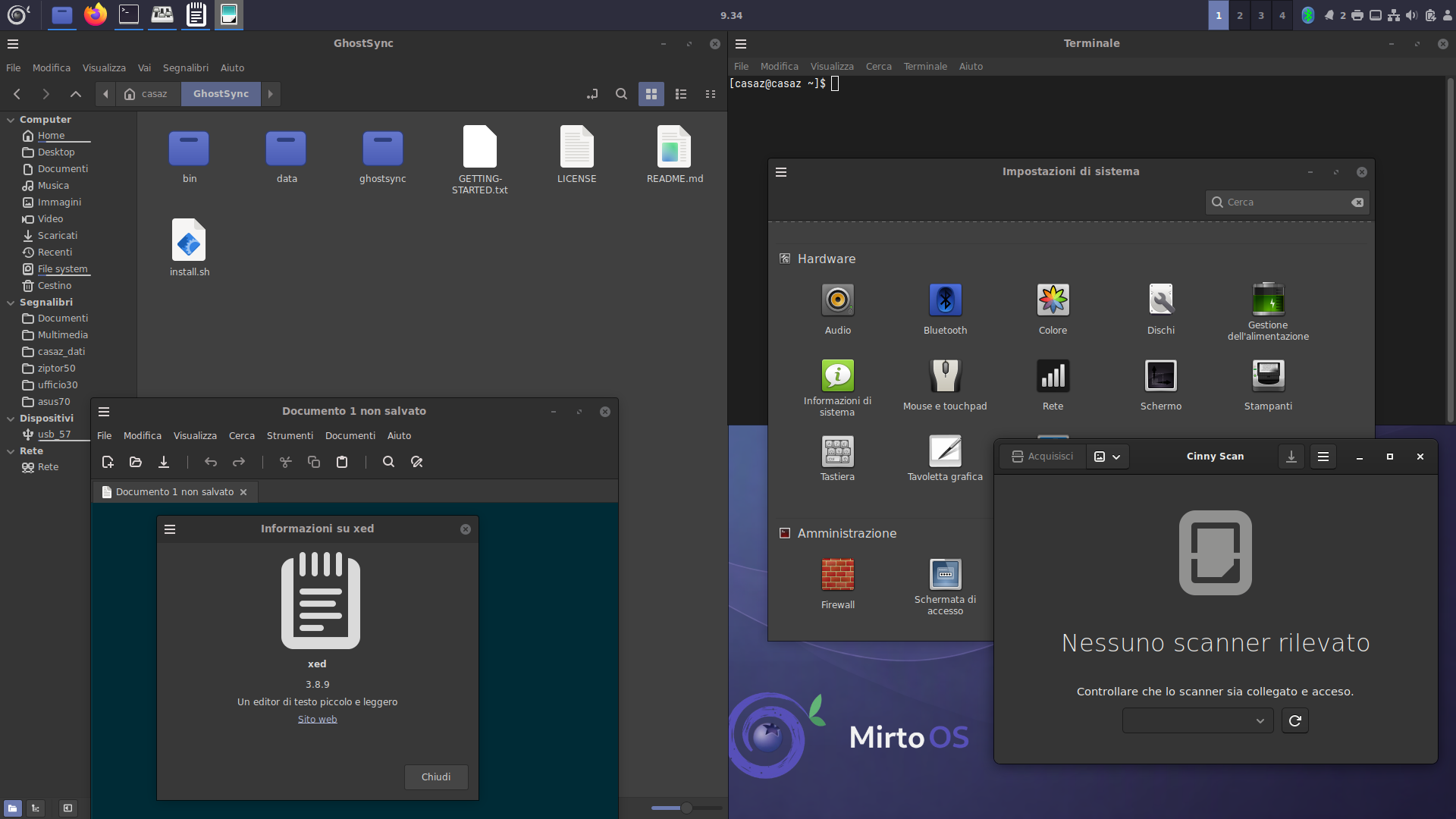
Mirto OS is an experimental, demonstration-only GNU/Linux distribution that combines the speed and power of Void Linux with a familiar environment like Linux Mint's.


Switching to Linux often feels scary: terminals, configuration files, habits to throw away. Mirto OS wants to do the opposite: a familiar desktop and familiar habits, so moving from Windows or Mac stays gentle, not traumatic.
Under the hood runs Void Linux: a rolling base with the runit init system (no systemd) and packages managed by xbps, enriched by a signed Mirto repository.
Mirto OS is a small personal project, currently in pre-alpha. What you read on this page is the design goal, already being tested on real machines — but not a finished product: if you need a distribution for everyday use, you'll have to wait a little longer.
btrfs file system with a Timeshift snapshot at every boot. If a boot fails, GRUB restarts on its own from the last working snapshot. Rollback is always available.
Kernel hardening enabled by default, PDF parsers and thumbnailers sandboxed with bubblewrap, a deny-all ufw firewall with rules that follow the active services, SSH off by default, signed updates and never auto-installed system updates.
Project target: 700–900 MB of RAM at idle. Lean enough to give new life to dated computers.
Few things, done well. No useless background services: only what you need, in the simplest possible way.
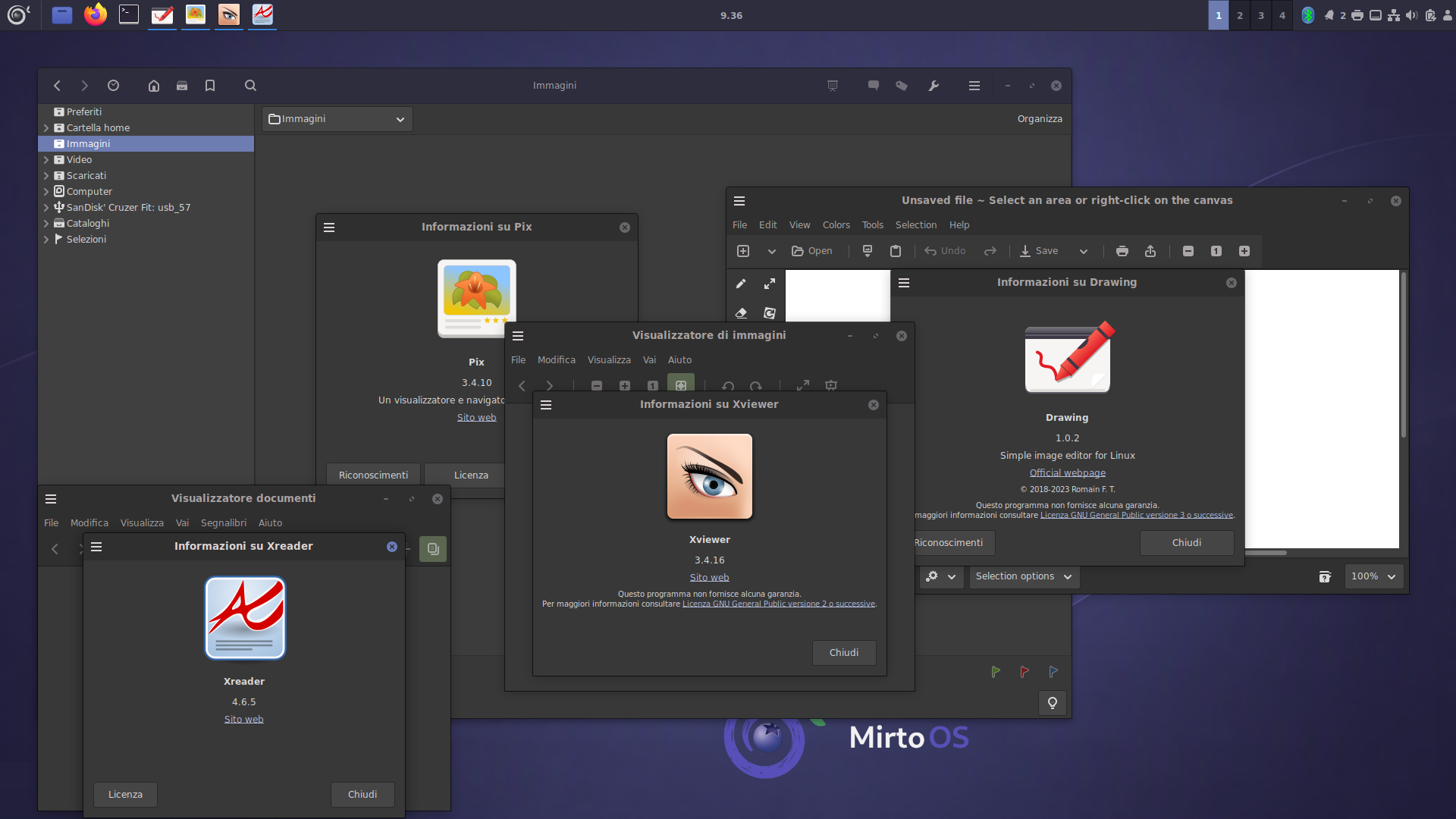
Cinnamon 6.6.x desktop with a coherent dark theme. GTK3 applications only: zero GTK4 or libadwaita. X11 graphics on Xorg.
The X-apps suite (xed, xreader, xviewer, pix, xplayer), Cinny Scan for scanners and a graphical store with descriptions and screenshots. CUPS printing ready to go. Multilingual system: the language is your choice.
Dark Cinnamon, GTK3 apps, a coherent, no-frills environment.
Mirto OS 1.0 «Zafferano» is in preparation. The download will be published here with the 1.0 release.
Mirto OS 1.0 «Zafferano»
Available with the 1.0 release
Download coming soonEvery ISO will come with its SHA256 checksum and a public signature. Before installing, verify both: it's the way to be sure the file is intact and really comes from here.
Mirto repository packages are already signed and served from repo.mirtoos.org; ISO images will land at the same address.
Mirto OS is free software, distributed under the GNU GPLv3 license. No lock-in: the procedure to return to plain Void Linux is documented.